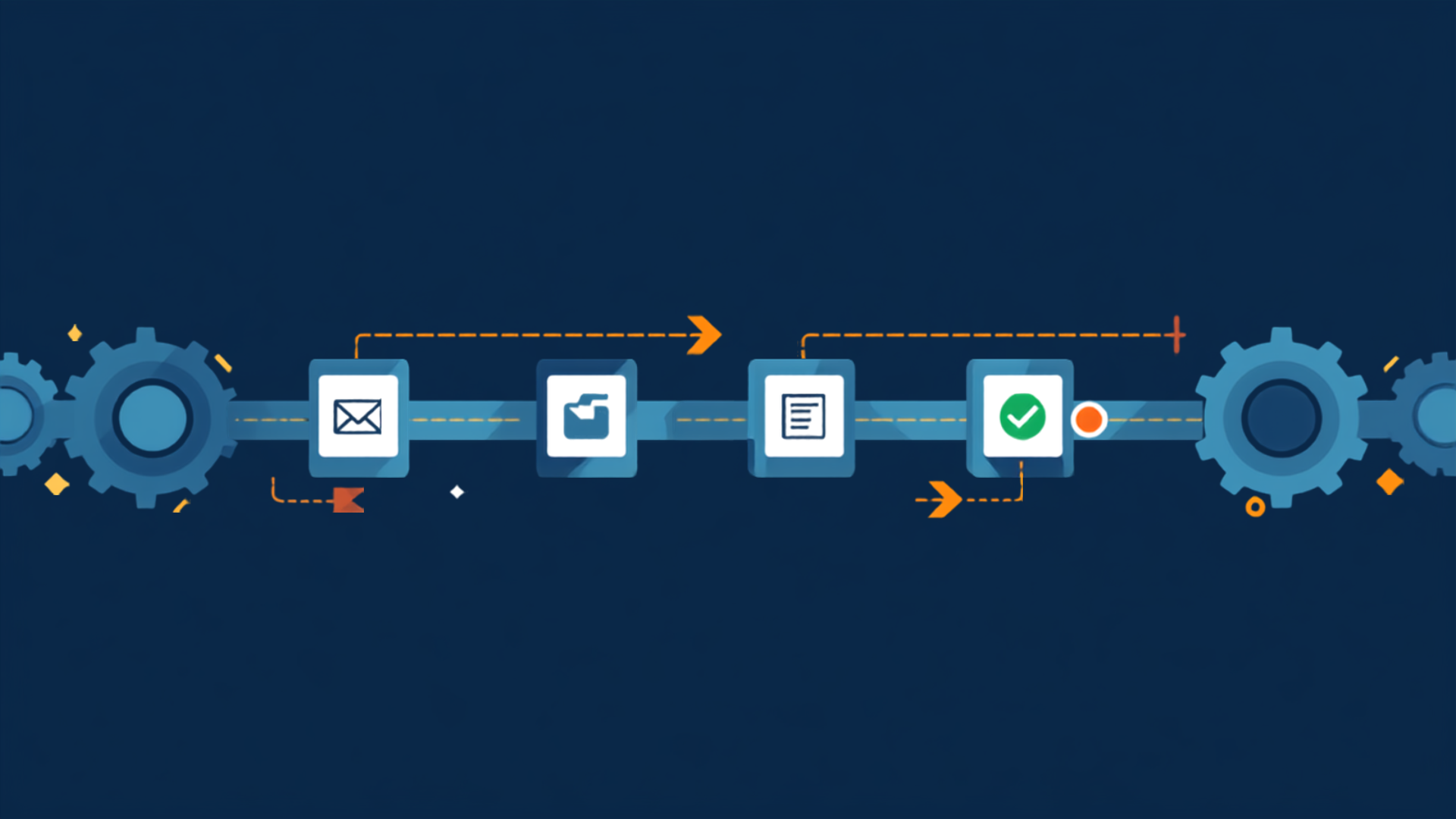
Every week, hours disappear into tasks nobody enjoys: copying data from one system to another, writing reminders, checking forms. This is exactly where automation comes in, and it doesn't require a huge budget or a major IT project.
How to Spot a Good Candidate
A process is a good fit for automation when it
recurs regularly, follows fixed rules, is error-prone because it's done manually, and doesn't require complex human judgment. 5 Processes That Almost Always Pay Off
-
Lead and inquiry handling. A contact-form submission lands in the CRM automatically, sales gets notified, and the prospect receives an instant confirmation. You respond in minutes instead of days.
-
Scheduling and reminders. Bookings, confirmations, and reminders run on their own. This noticeably reduces no-shows and relieves your admin staff.
-
Invoicing and payment follow-up. Invoices are generated from order data, sent out, and chased automatically when payment is late.
-
Onboarding new employees or customers. Welcome emails, access, checklists, and documents are triggered the moment someone new starts. Everyone gets the same professional experience.
-
Reports and analytics. Instead of copying figures from three systems every Monday, the report builds itself and arrives on time.
Automation Plus AI
Classic automation works on "if X happens, do Y." With AI, these workflows become more flexible: an incoming email isn't just forwarded, it's read, categorized, and paired with a draft reply. Rigid rules turn into adaptive workflows.
Common Pitfalls Automating a bad process. Automate chaos and you get faster chaos. Clean up the workflow first. Not planning for exceptions. Every workflow needs a way to hand special cases to a human. No monitoring. Automations run in the background, so set up alerts so failures don't go unnoticed. Conclusion
Begin with one process that annoys your team every day. Once it runs smoothly, move on to the next. Even a handful of automated workflows can free up several working days per month.